 using WordPress and
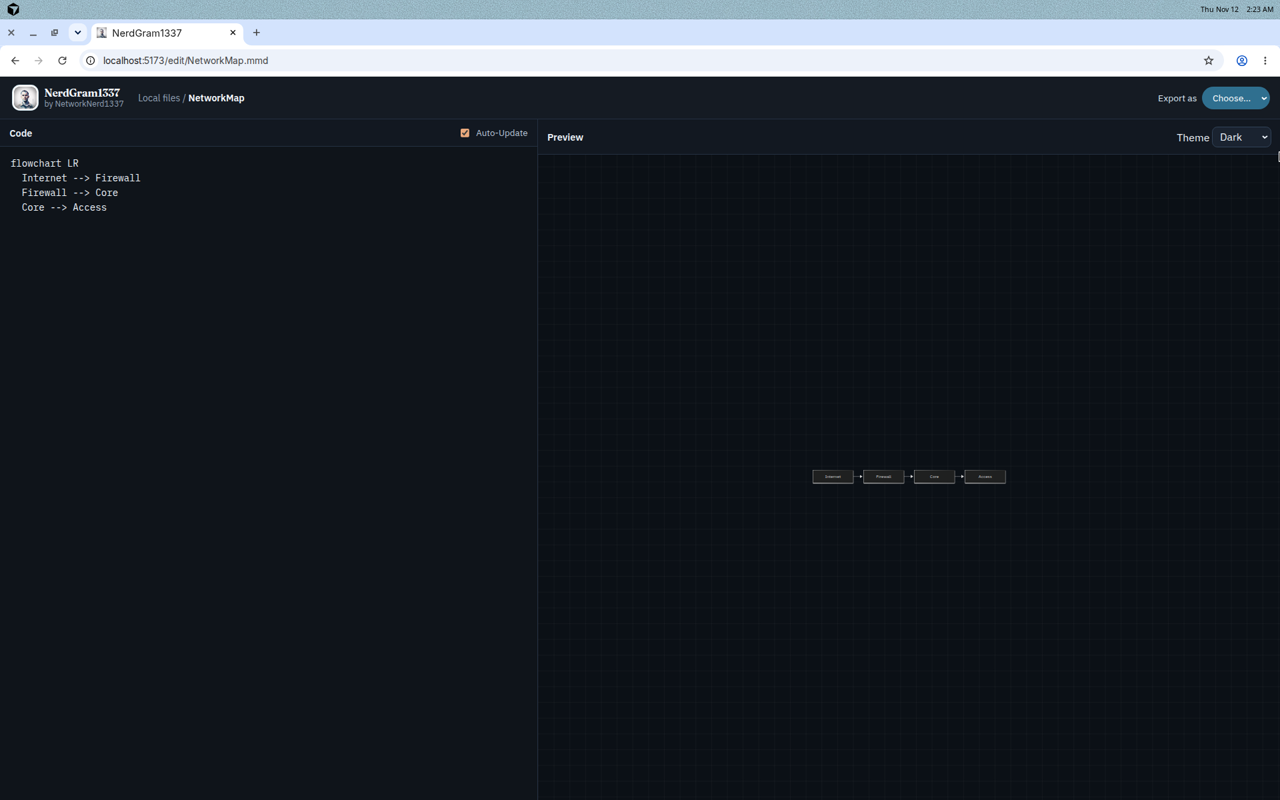
NerdGram1337 v1.2.0 “Atlas” is out as of November 14, 2026. It’s a minor release on the Atlas line, and the headline additions are a read-only compare against named baselines, and find and replace that can run across the whole workspace.
If you missed the first write-up, NerdGram1337 is a local Mermaid diagramming app that runs on your own machine. You write diagrams in Mermaid, you get a live preview, and what you save is a real .mmd file on disk. There’s a shorter entry on the Software page as well. The full notes for this release are on GitHub.
Compare and baselines
If you’ve ever had to ask “what changed in this diagram since last month?”, this is the feature for that.
You can keep any revision as a named baseline. Named baselines sit outside the usual 20-revision prune, and each diagram can hold up to 20 of them. That cap is configurable with NERDGRAM_BASELINE_CAP.
Compare is read-only. It never modifies the diagram file. It draws a merged picture with added items in green, removed items in red and dashed, changed items in amber, and unchanged items dimmed. Labels stay high-contrast on those colored nodes, so the text is still readable.
Every diagram type gets a text diff, including front matter. Flowcharts also get a node-and-edge diff. You can export the picture as SVG, PNG, JPG, or PDF, and the change summary as Markdown.
Workspace find and replace
The editor’s find bar still only touches the diagram you have open. Workspace find and replace is a separate dialog. You can open it from the dashboard, the command palette, or the editor find bar.
It shows a preview first. You can leave out a whole file or a single match. It skips any file that is open in an editor, and any file that changed since the preview, and it tells you what it skipped. Before each change, it saves a revision, and you can undo the batch if you need to.
About and Support
This release also fills out the About panel, and it adds a Support button in the header and in About. That button goes to my Ko-fi page. There are no pop-ups and no prompts. If you want to help me keep building and maintaining this, that’s the place. If you don’t, the app is the same as it was.
API and CLI
The new work is on the API as well, and the nerdgram command-line client can call it. The commands for this release are nerdgram diff, nerdgram baseline, and nerdgram replace.
How to get v1.2.0
The simplest way to run the app is the Docker image, ghcr.io/networknerd1337/nerdgram1337:v1.2.0. The :latest tag points at the newest full release as well. Publish the port on loopback only, like this:
docker pull ghcr.io/networknerd1337/nerdgram1337:v1.2.0

docker run -d \
  --name nerdgram1337 \
  --restart unless-stopped \
  -p 127.0.0.1:8787:8787 \
  -e NERDGRAM_DATA_DIR=/data \
  -e NERDGRAM_INSTALL=docker \
  -v nerdgram-data:/data \
  ghcr.io/networknerd1337/nerdgram1337:v1.2.0
You can also run it from source if you have Node.js 20 or newer:
git clone https://github.com/NetworkNerd1337/NerdGram1337.git
cd NerdGram1337
npm run install:all
npm run build
npm start
The npm package is a different thing, and I want to be clear about that. npm install -g nerdgram1337 only installs the nerdgram command-line client. That client talks to a running app, at NERDGRAM_URL, which defaults to http://127.0.0.1:8787. It cannot start or run the app by itself. Install the CLI when you already have the app running, not as a substitute for Docker or a source install.
It’s still local-first
NerdGram1337 is free, MIT-licensed, and local-first. It binds to 127.0.0.1 and it does not need an account. It’s still a code-first editor: you write Mermaid, you don’t drag boxes around a canvas.
The code is in the NerdGram1337 repo on GitHub. Start with the v1.2.0 release notes if you want the full list, or with the original walkthrough if you’re new to the app.
No responses yet