 using WordPress and
This is a downloads page, minus the files. I don’t host binaries here. Each entry is a short, intentional link to one of the open source GitHub repositories I publish, with enough context to decide whether you want to clone it. The projects are meant to be self-hostable, so you can run them on a machine you control. I have grouped them into enterprise grade software solutions and personal software solutions, and I will add SIP calling tools as I publish them. Issues and feature requests are welcome on GitHub.
You can also start from my profile at github.com/NetworkNerd1337.
Enterprise Grade Software Solutions
Zixt
I built Zixt as a self-hostable, web-based secure messaging app. It supports real-time one-on-one and group chats, file sharing, and post-quantum cryptography (Kyber1024 and SPHINCS+).
StreamSwarm
I built StreamSwarm as a distributed network monitoring system. A central Flask server and web dashboard manage clients, schedule tests, and visualize performance data, with AI-powered diagnostics that run locally and PDF reporting.
- Stack: Python, with a Flask server and web dashboard. SQLite is the default database; PostgreSQL is optional for production. Local machine learning uses Scikit-learn, and production can run under Gunicorn
- License: MIT
- Run it: Clone the repo, install the Python dependencies, and start the server with
python main.py. The web UI is athttp://localhost:5000. Connect a client withpython client.py --server http://your-server-ip:5000 --name "Client-Name" - On GitHub: README, Issues, and Releases
Personal Software Solutions
NerdGram1337
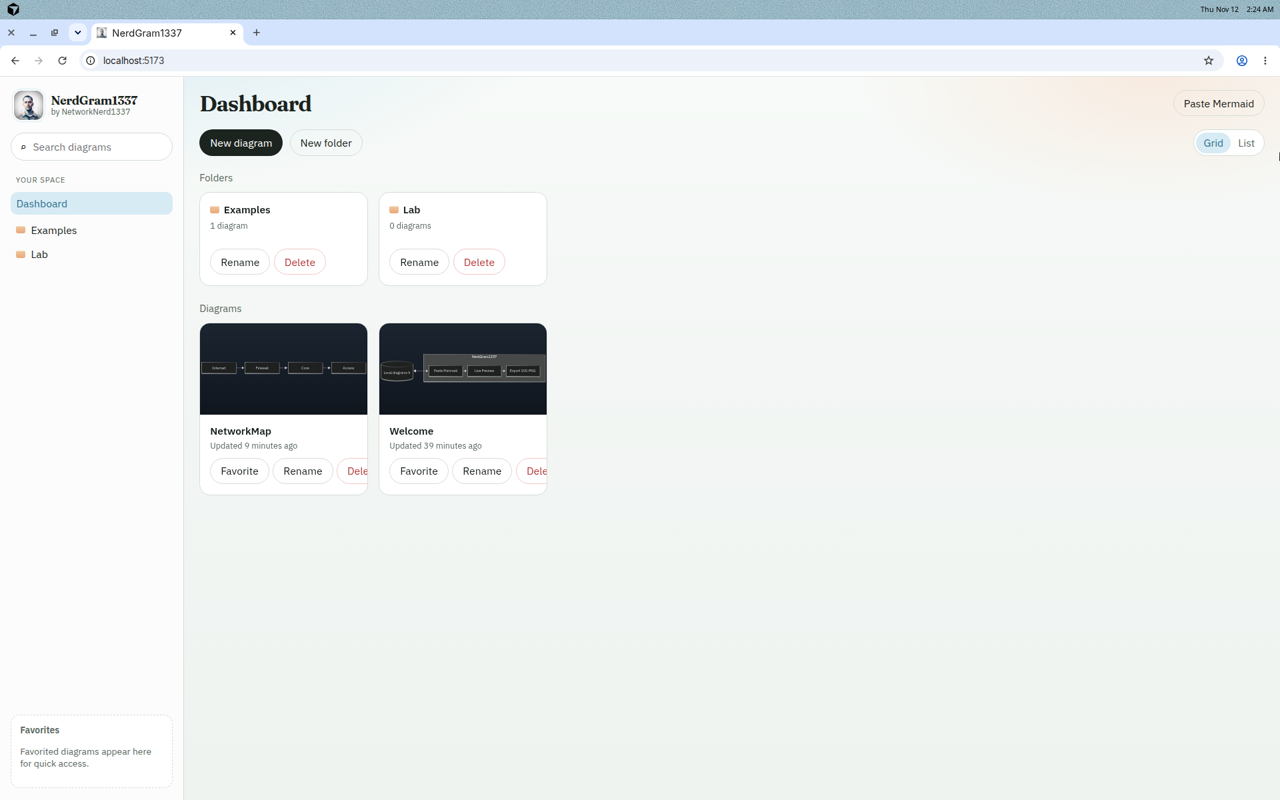
A local-first Mermaid diagramming software tool. Paste Mermaid markdown, preview it live with mermaid.js, keep real .mmd files on disk, and export SVG, PNG, or JPG. No accounts, no cloud sync, no AI generation, and no paywall.
- Stack: TypeScript, with a React and Vite UI and an Express filesystem API, using mermaid.js for the preview
- License: MIT
- Run it: Node.js 20+ and npm 10+. From the repo,
npm run install:all, thennpm run dev. The UI is athttp://localhost:5173. For production,npm run buildandnpm starton port 8787 - On GitHub: README, Issues, and Releases
Coming soon
More personal tools are on the way.