 using WordPress and
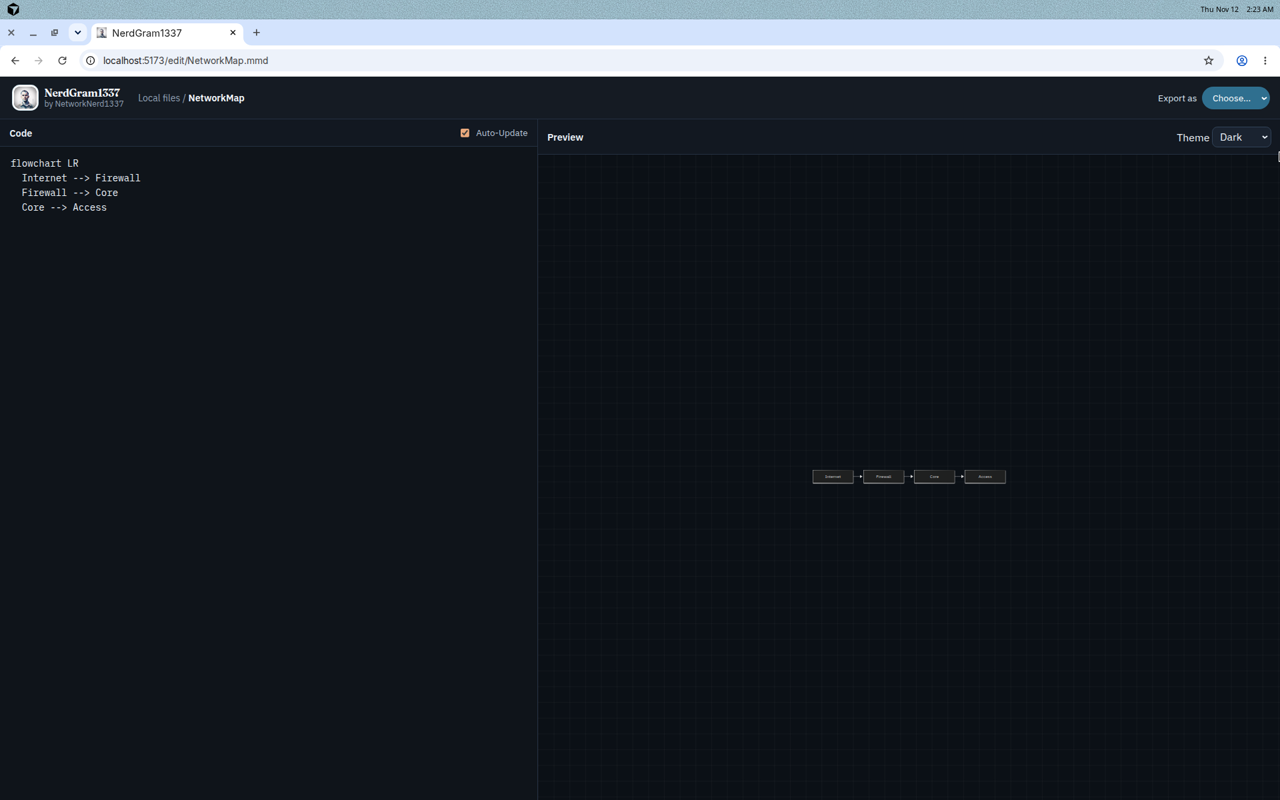
This morning I wrote about NerdGram1337, a local Mermaid diagramming app that runs on your own machine. Today it picked up an offline Mermaid syntax reference library. That was GitHub issue #4, and it’s closed as of November 12, 2026.
If you’ve been halfway through a flowchart or a sequence diagram and blanked on the exact arrow syntax, you know the drill. You leave the editor, open a browser tab, and go digging through the docs. The docs now live inside the app.
Click Open Syntax Reference Library in the sidebar or in the editor top bar, and you land on /reference. That page has a searchable table of contents and the full syntax pages, and you don’t need an internet connection for any of it. A copy of the reference is checked into the NerdGram1337 repo, so it works offline from the first launch, before you ever hit sync.
Keeping the docs current
When you are online, the Sync Syntax Reference button on that page fetches a fresh copy from mermaid.js.org. You can run the same job from the project root:
npm run sync:reference --prefix serverThe server rebuilds the mirror in a staging folder, then atomically replaces the existing reference directory. If the download or the swap fails, the copy you already have is left untouched, and the UI shows the error.
You can add your own notes to any page too. Those live in diagrams/.meta/syntax-overrides.json, or under your NERDGRAM_DATA_DIR if you’ve pointed the app at a custom folder. The notes are per page, and they survive every sync.
The mirrored pages come from the Mermaid documentation, which is MIT licensed. Each page keeps attribution and a link back to its source on mermaid.js.org.
If you want the full walkthrough of the app, start with this morning’s post. There’s a shorter entry on the Software page as well. The code is in the NerdGram1337 repo on GitHub, and the work that landed this feature is in issue #4.
No responses yet